

Table of Contents
Introduction
Picture this: you’re in the middle of an intense ranked match, about to secure the winning kill, when suddenly—lag spike. Your character freezes for half a second, and just like that, victory slips away. Sound familiar? If you’ve been there (and let’s be honest, we all have), you know exactly how infuriating those moments can be. The good news? There’s actually a solution that doesn’t involve throwing your controller across the room.
Here’s what most gamers don’t realize: your internet connection is probably fast enough for gaming. The real problem? Everything else in your house is hogging that bandwidth. Your roommate’s Netflix binge, someone downloading a massive game update, your smart TV pulling a software update—they’re all fighting for the same internet pipeline. Gaming routers with Quality of Service (QoS) change the game entirely by giving your gaming traffic VIP treatment. And if you’re serious about performance, pairing this with the right gaming PC build essentials creates a setup that can actually give you a competitive edge.
So what exactly does QoS do? Think of it as a smart traffic cop for your internet connection. It looks at all the data flying through your network and says, “Hey, this gaming packet is more important than that cat video someone’s watching.” The result? Your game gets priority, while everything else waits in line. This is especially clutch if you’re into content creation too—understanding how game recording techniques work alongside QoS means you can stream and record without tanking your gameplay performance.
But here’s where it gets really interesting. QoS isn’t just about gaming anymore. Your whole digital life benefits from this kind of smart network management. Ever notice how your smart home technology sometimes acts up when you’re gaming? That’s because your security cameras, voice assistants, and streaming devices are all competing for bandwidth too. A solid router with good QoS doesn’t just make you a better gamer—it makes your entire connected home run smoother.
What You’ll Learn in This Guide
Ready to stop losing matches to lag? We’re going to walk through everything you need to know about gaming routers and QoS. Whether you’re a weekend warrior or grinding ranked every night, this stuff matters.
- The Basics of Gaming Routers and QoS: What actually makes a router “gaming-ready” and how QoS works behind the scenes to keep your connection smooth when it matters most.
- How QoS Enhances Your Gameplay: The specific features and settings that’ll cut your latency, stop those annoying connection drops, and keep your network rock-solid during clutch moments.
- Step-by-Step Setup: No tech degree required—we’ll walk you through configuring QoS on your router from start to finish, including how to test if it’s actually working.
- Choosing the Right Gaming Router: What to look for when shopping, which brands deliver, and how to pick something that fits your setup and budget without breaking the bank.
Look, I’ve been down the rabbit hole of network optimization more times than I care to admit. You’ll get the real-world tips that actually work, plus some troubleshooting tricks for when things inevitably go sideways. Because let’s face it—if you’re serious about multiplayer gaming, your network setup can make or break your performance. No amount of skill can overcome a terrible connection.
We’ll also cover some related gear and software that can take your setup to the next level. And if you’re looking for games to test your newly optimized connection, check out these top turn-based strategy games or dive into some survival games for PC that’ll really put your network through its paces.
Bottom line? You don’t have to accept lag as part of gaming life. With the right router and QoS setup, you can actually take control of your connection and stop blaming your internet for bad plays. (Well, most of them anyway.) Whether you’re chasing that next rank or just want to enjoy your games without constant frustration, getting your network dialed in is one of the best investments you can make.
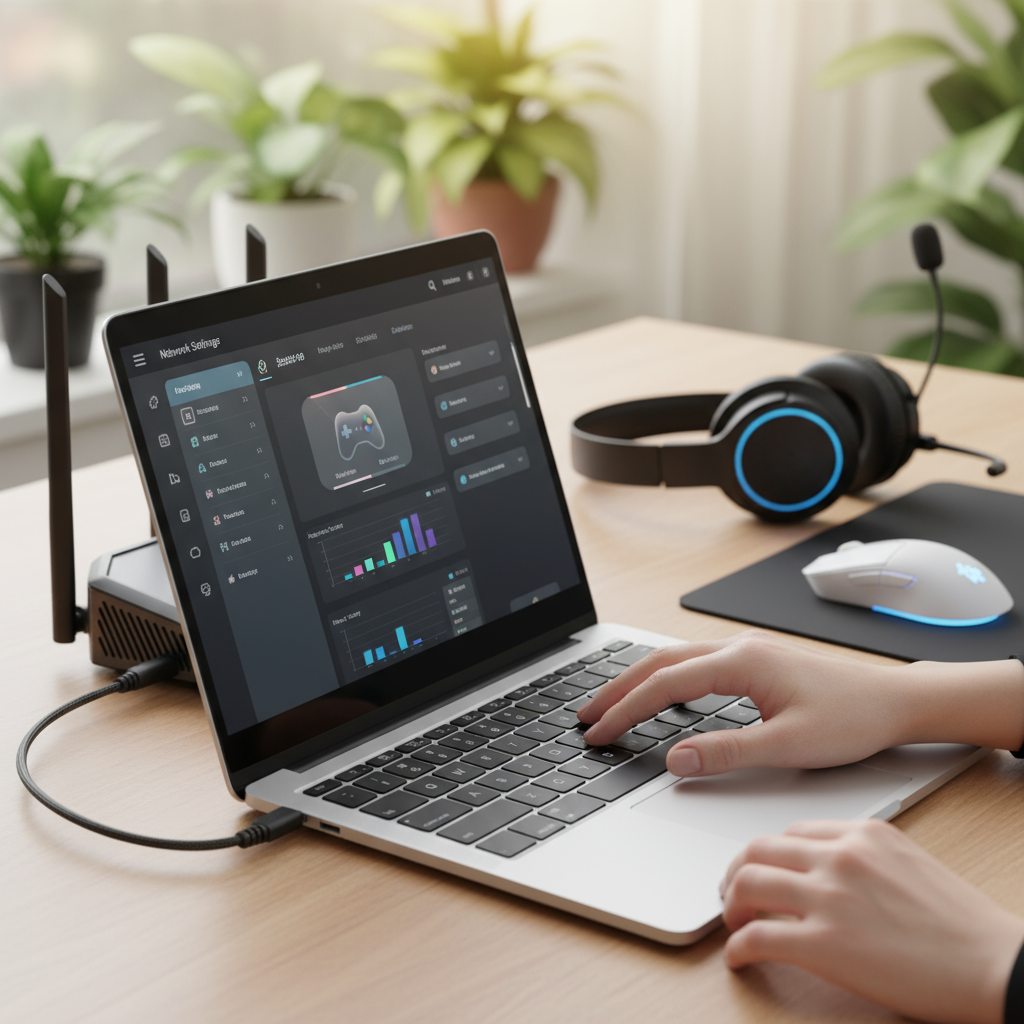
So you’ve gotten a taste of how gaming routers can boost your performance—now let’s get into the real meat of it. How exactly do these Quality of Service (QoS) features work their magic on your connection? And more importantly, why should you care? Here’s the thing: when you understand what’s happening under the hood, you can actually squeeze every drop of performance out of your setup. We’re going to break down how gaming routers with QoS minimize that dreaded lag, give you control over your bandwidth, and deliver the kind of smooth, responsive gameplay that makes all the difference when you’re in the zone.
Understanding Gaming Routers with Quality of Service (QoS) Features
Gaming routers aren’t just regular routers with fancy marketing names slapped on them. They’re actually built from the ground up to handle the intense demands of gaming traffic. Think of them as traffic cops for your internet connection—they know exactly which data packets need to get through first. While your standard router treats all internet traffic equally (whether you’re gaming, streaming Netflix, or downloading files), gaming routers with QoS are smarter. They give your gaming packets VIP treatment, cutting to the front of the line every single time. This prioritization is what prevents those rage-inducing lag spikes right when you’re about to land that perfect headshot. Want to see how this ties into your overall gaming setup? Check out the detailed components and functionalities of gaming PCs and routers that work together seamlessly.
What makes these routers special goes beyond just prioritization, though. We’re talking about Wi-Fi 6 support for blazing-fast speeds, multiple antennas strategically placed to eliminate dead zones, and firmware you can actually customize to fit your gaming style. These aren’t just buzzwords—they’re the features that make dynamic QoS prioritization possible. Your gaming device gets the bandwidth it needs, when it needs it, without you having to think about it. And with cloud gaming becoming huge and multiplayer games getting more demanding than ever, having a router that can keep up isn’t just nice to have—it’s essential. This is especially true as we see more cloud gaming readiness and prioritization becoming standard features.
Key Aspects of Gaming Routers with QoS
Let’s break down what actually matters when you’re looking at gaming routers with QoS:
- High-Speed Wi-Fi Standards: Modern gaming routers support Wi-Fi 5 and Wi-Fi 6—and trust me, you’ll feel the difference. Faster data transfer rates and way less interference mean your gameplay stays smooth even when everyone else in the house is online.
- Multiple Antennas: More antennas aren’t just for show. They boost signal strength and coverage throughout your entire home, so you won’t lose connection when you move from your gaming room to grab a snack.
- Advanced Firmware: This is where the magic happens. You can set up custom QoS rules, create different gaming profiles, and keep everything updated. It’s like having a router that actually learns how you game.
- Prioritization of Gaming Traffic: The crown jewel feature. Your router intelligently manages traffic, making sure gaming packets get through first. No more lag during those clutch multiplayer moments.
Getting familiar with these features means you’re not just buying a router—you’re investing in a gaming experience that actually works the way it should.
How QoS Improves Your Gaming Experience
Okay, so how does all this technical stuff actually translate to better gaming? Simple: less lag, more wins. QoS doesn’t just reduce latency—it practically eliminates those heart-stopping ping spikes that show up at the worst possible moments. By giving your gaming traffic first-class treatment, QoS ensures your shots register when you pull the trigger and your movement commands happen instantly. For anyone who’s serious about multiplayer gaming, this isn’t just an improvement—it’s a game-changer. Your real-time interactions become more accurate, your reactions feel snappier, and suddenly you’re competing on a level playing field with players who have premium setups.
But here’s what’s really cool: you’re not just stuck with one-size-fits-all settings. QoS lets you customize everything. Want to prioritize your gaming PC over your sibling’s streaming device? Done. Need to give extra bandwidth to a specific game that’s particularly demanding? Easy. The router adapts to how you actually use your network, whether that’s automatically or through manual tweaks you set up yourself. And here’s the best part—while your gaming gets priority, everyone else’s internet still works fine. The router is smart enough to share the leftover bandwidth efficiently. If you’re building out your whole gaming setup, you might want to pair this with insights from top gaming accessories that enhance precision and control for the complete performance upgrade.
Essential Benefits of QoS for Gamers
Here’s why QoS should be non-negotiable if you’re serious about your gaming:
- Reduced Lag and Ping Spikes: No more watching your character rubber-band around the map. QoS prevents network congestion during those make-or-break moments when every millisecond counts.
- Bandwidth Allocation with Priority: Your gaming device gets the bandwidth it needs, period. Other apps and devices have to wait their turn, which means consistent performance for you.
- Enhanced Multiplayer Experience: When your latency stays consistently low, you stay in sync with other players. Less frustration, more competitive edge, better overall experience.
- Customizable Settings: You’re in control. Set up QoS exactly how you want it for different games, devices, or times of day. Your network, your rules.
The bottom line? QoS isn’t just about gaming—it’s about taking control of your entire home network. But when it comes to gaming, it’s the difference between playing at your best and constantly fighting your own connection.

So here’s what we’ve covered—and honestly, it’s been quite a journey through the world of gaming routers and QoS. You’ve learned how Quality of Service can be a game-changer (literally) for your online gaming experience. Think of QoS as your network’s traffic cop, making sure your gaming data gets the VIP treatment while everything else waits in line. The result? Less lag, smoother gameplay, and fewer moments where you’re yelling at your screen because of a connection hiccup. Modern gaming routers pack some serious tech—high-speed Wi-Fi, multiple antennas that blanket your space with coverage, and firmware that lets you tweak things just the way you like them.
But here’s the real kicker: QoS doesn’t just tackle lag spikes and those annoying ping jumps. It’s like having a smart assistant that keeps your multiplayer games in perfect sync, even when your family is streaming Netflix in 4K and your roommate is downloading massive files. (We’ve all been there, right?) The setup process we walked through might seem detailed, but trust me—taking the time to identify your key devices, update that firmware, and understand your internet speed pays off big time. Those step-by-step instructions and troubleshooting tips? They’re your roadmap to squeezing every ounce of performance from your router.
Ready to take things up a notch? Your optimized network is just the beginning. If you’re thinking about building a powerhouse gaming rig to match your new network setup, check out our gaming PC build guide—it’s packed with everything you need to know. Want to start creating content and sharing your epic gaming moments? Our guide on how to record gameplay on PC will get you recording like a pro without tanking your performance. And hey, if you’re looking for some new games to test out that freshly optimized connection, dive into our collection of best turn-based strategy games. These resources will help you get the most out of your gaming router investment.
The bottom line? A solid gaming network is like having a good foundation for your house—everything else builds on top of it. You’ve got the knowledge now to pick and configure a gaming router that actually fits your needs (not just the most expensive one on the shelf). Keep tweaking, keep optimizing, and don’t forget to explore our gaming resource hub whenever you want to level up your setup. Your lag-free gaming adventure starts right here, and we’ve got your back every step of the way.
Frequently Asked Questions
-
What is QoS on a gaming router?
- QoS is a feature that prioritizes gaming traffic to reduce lag and improve performance.
-
Do all gaming routers support QoS?
- Most quality gaming routers include QoS, but features and effectiveness vary by model.
-
Can I set up QoS myself?
- Yes, with a guided setup you can configure QoS settings on your router for better gaming.
-
Will QoS improve my gaming if my internet speed is slow?
- QoS helps optimize traffic but cannot increase your base internet speed.
-
Is a gaming router with QoS worth the investment?
- If you frequently game online, a router with QoS provides noticeable benefits in gameplay stability.