Link MyDisney to Epic Games? Easy Guide
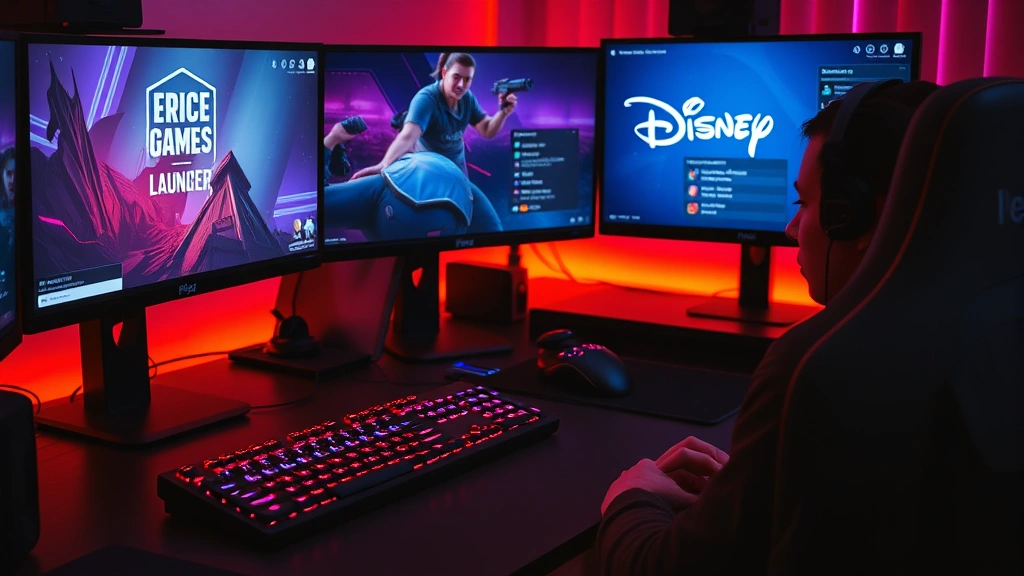
Connecting your MyDisney account to Epic Games opens up a world of exclusive content, special rewards, and seamless cross-platform gaming experiences. Whether you’re diving into Fortnite, exploring other Epic Games titles, or unlocking Disney-themed cosmetics, understanding how to properly link these accounts is essential for any gamer. This comprehensive guide walks you through every step of the process, troubleshooting common issues, and maximizing the benefits of your connected accounts.
The integration between Disney and Epic Games represents one of gaming’s most exciting partnerships, bringing beloved Disney characters, worlds, and experiences directly into your favorite games. By linking your MyDisney account to your Epic Games account, you’re not just connecting two platforms—you’re unlocking a gateway to exclusive cosmetics, special events, and promotional rewards that casual players often miss. Let’s explore everything you need to know about this straightforward but powerful process.
Why Link MyDisney to Epic Games
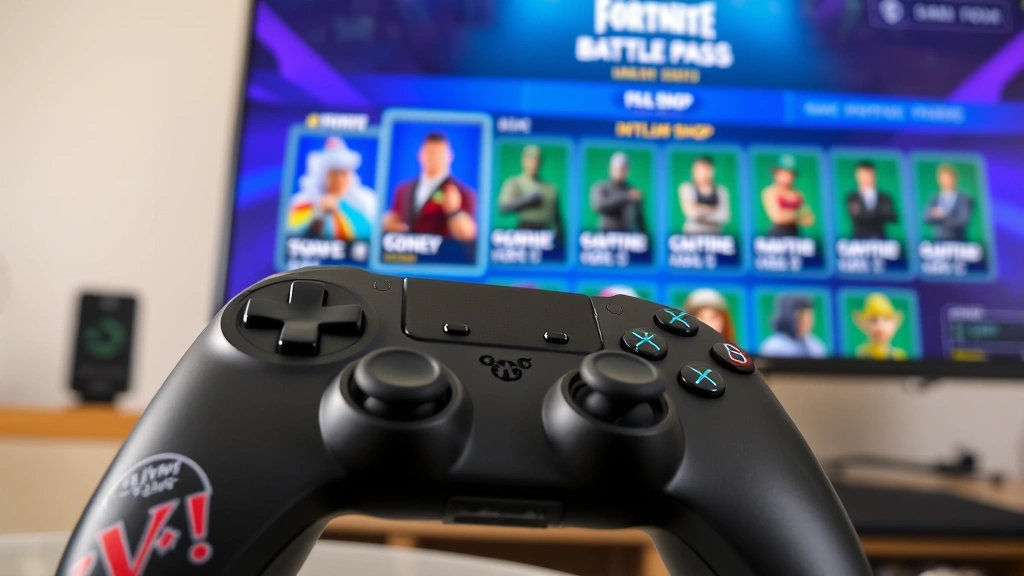
Linking your MyDisney account to Epic Games provides numerous advantages that enhance your overall gaming experience. The primary benefit is access to exclusive Disney-themed cosmetics that aren’t available through standard in-game purchases. These limited-edition skins, emotes, and pickaxes feature iconic Disney characters and designs, making them highly coveted among the gaming community.
Beyond cosmetics, the account linking system enables you to participate in special Disney-themed events and promotional campaigns. Epic Games regularly collaborates with Disney to create limited-time experiences, crossover events, and exclusive challenges that reward players with unique items. When your accounts are properly linked, you automatically qualify for these opportunities without missing out on time-sensitive offers.
The integration also streamlines your gaming experience across multiple platforms. If you play on different devices—whether that’s a PC, console, or mobile device through cloud gaming services—linking accounts ensures your progress, cosmetics, and rewards synchronize seamlessly. Check out our guide on what cloud gaming is to understand how this technology enhances your flexibility.
Additionally, linking demonstrates best practices in gaming account management. Having consolidated accounts makes it easier to track your gaming activity, manage your digital collection, and maintain security across platforms. The MyDisney-Epic Games connection is particularly valuable for families, as it allows parents to monitor and manage gaming experiences for multiple household members.
Prerequisites Before Linking
Before you begin the linking process, ensure you have everything necessary to complete it successfully. First, you’ll need an active Epic Games account. If you don’t already have one, creating an account is free and takes just a few minutes through the Epic Games website. During account creation, you’ll set up your username, email address, and password—information you’ll need to remember for the linking process.
Equally important is having an active MyDisney account. This account serves as your gateway to Disney’s digital ecosystem and is required to access exclusive rewards and promotions. If you don’t have a MyDisney account, visit the official Disney website and follow their registration process. You’ll need a valid email address and should create a strong password to protect your account.
Make sure both accounts use verified email addresses. Epic Games and Disney both require email verification as a security measure. Check your email inboxes and spam folders to ensure any verification emails from either platform were received and confirmed. If you haven’t verified your email addresses, do so before attempting to link the accounts.
You’ll also need stable internet connectivity throughout the linking process. Use a reliable WiFi connection or mobile data to avoid interruptions during account synchronization. Having both your Epic Games and MyDisney login credentials readily available will streamline the process and reduce the chance of errors.
Finally, ensure your devices are updated with the latest software. Whether you’re using a computer, smartphone, or tablet, having current operating system updates and browser versions helps prevent compatibility issues during linking. If you’re interested in optimizing your gaming setup, our gaming PC build guide offers comprehensive advice for creating the ultimate gaming environment.
Step-by-Step Linking Process
Now that you’ve prepared your accounts, let’s walk through the actual linking process. Start by opening your web browser and navigating to the Epic Games website. Log in to your Epic Games account using your username or email address and password. Once logged in, locate the account settings menu, typically found in the upper right corner of the website near your profile picture or username.
Click on “Account” or “Settings” to access your account management dashboard. You’ll see various options for connecting external accounts. Look for a section labeled “Connections,” “Connected Accounts,” or “Third-Party Connections.” This is where you’ll find the option to link your MyDisney account.
In the connections section, scroll through the available services until you locate Disney or MyDisney. Click the “Connect” button next to the Disney option. This action will redirect you to Disney’s login page. Enter your MyDisney account credentials—your email address and password—when prompted.
After entering your login information, Disney will ask you to authorize Epic Games to access certain information from your MyDisney account. Read through the permissions carefully. Epic Games typically requests access to your profile information and reward eligibility status. Click “Authorize” or “Allow” to grant these permissions and proceed with the linking.
Once you’ve authorized the connection, you’ll be redirected back to the Epic Games website. You should see a confirmation message indicating that your MyDisney account has been successfully linked to your Epic Games account. The Disney option in your connections section should now display “Connected” or show a green checkmark.
The entire process typically takes between two and five minutes. If you encounter any issues during linking, don’t proceed to the next step—instead, consult the troubleshooting section of this guide for solutions.
Verifying Your Connection
After linking your accounts, verification is crucial to ensure everything worked correctly. Return to your Epic Games account settings and navigate back to the connections section. Confirm that your MyDisney account shows as “Connected” with the current date displayed next to it.
Next, log out of your Epic Games account completely and log back in. This refresh helps synchronize your linked accounts across Epic Games’ servers. Once logged back in, check your email inbox for any confirmation messages from either Epic Games or Disney. These emails serve as official records of your successful account linking.
Launch Fortnite or another Epic Games title on your preferred device and log in with your Epic Games credentials. Navigate to the in-game shop or cosmetics section and look for any new Disney-themed items or special offers. If you see exclusive Disney content available, your accounts are properly linked and functioning.
Check the MyDisney website as well. Log in to your MyDisney account and look for any notifications or messages about your Epic Games connection. Disney often sends welcome messages or information about exclusive rewards available through the linked account.
If you’re a content creator, you might want to document this connection for your audience. Our guide on how to record gameplay on PC provides excellent tips for capturing your gaming moments and sharing them with your followers.
Accessing Exclusive Rewards
With your accounts successfully linked, you can now access exclusive rewards and content. Disney and Epic Games regularly release limited-time cosmetics featuring beloved Disney characters, from classic Mickey Mouse designs to modern Marvel and Star Wars collaborations. These items appear in your in-game shop with special indicators showing they’re exclusive to linked MyDisney accounts.
Exclusive rewards aren’t limited to cosmetics. Epic Games frequently offers limited-time challenges and events exclusively for players with linked MyDisney accounts. These challenges often reward you with V-Bucks (in-game currency), rare cosmetics, or battle pass tiers. Keep an eye on in-game notifications and the official Epic Games website for announcements about upcoming Disney-exclusive events.
MyDisney also provides promotional codes and special offers exclusively to members with linked Epic Games accounts. These codes can unlock free cosmetics, battle pass access, or other valuable in-game items. Check your MyDisney account regularly for new offers, as Disney rotates promotions frequently.
Seasonal events represent another major benefit of linking. During major Disney celebrations, holidays, or movie releases, Epic Games creates special limited-time modes and cosmetics. Players with linked accounts receive early access to these items and sometimes exclusive variants that standard players cannot obtain.
The rewards system is continuously evolving. Subscribe to notifications from both Epic Games and Disney to stay informed about new exclusive offerings. Following the official social media accounts for both companies ensures you never miss out on limited-time opportunities. If you’re exploring other gaming content, check out our collection of best story games for additional gaming recommendations.
Troubleshooting Common Issues
Despite the straightforward nature of account linking, some players encounter issues. The most common problem is the linking process failing silently, with no confirmation message appearing. If this happens, wait 24 hours—sometimes account synchronization takes time to complete across Disney and Epic Games’ servers. Then, check your connections section again to see if the status has updated.
If your accounts still show as disconnected after 24 hours, try unlinking and relinking them. Go to your Epic Games connections section and click “Disconnect” next to Disney. Wait several minutes, then refresh the page and attempt to link again. This process often resolves synchronization errors.
Another common issue involves incorrect password entry. If you receive an error message when entering your MyDisney credentials, double-check that you’re using the correct password. Passwords are case-sensitive, so ensure your caps lock isn’t accidentally activated. If you’ve forgotten your password, use Disney’s password reset feature before attempting to link again.
Some players experience authorization denial errors. This typically occurs when Disney’s security systems flag the connection attempt as suspicious. To resolve this, try linking from a different device or network. If the issue persists, contact Epic Games support directly through their official website. They can manually verify your connection and resolve security-related issues.
Browser-related problems are also possible. If linking fails repeatedly, try using a different web browser. Clear your browser cache and cookies, then attempt linking again. Sometimes outdated cached data interferes with the authorization process.
If you receive error messages stating that your accounts are already linked to different services, this indicates a potential account conflict. This situation requires contacting Epic Games support, as it may involve account recovery or security concerns that need professional assistance.
Security and Account Safety
Linking your MyDisney account to Epic Games requires trusting both companies with your personal information. Understanding how they handle your data ensures you’re making an informed decision. Both Epic Games and Disney employ industry-standard encryption and security protocols to protect user information.
When you authorize the connection, you’re granting Epic Games limited access to specific information from your MyDisney account—primarily your profile information and reward eligibility status. Neither company shares your passwords or financial information through this connection. Your MyDisney password remains known only to Disney, and your Epic Games password remains known only to Epic Games.
To maximize security, use strong, unique passwords for both accounts. Avoid using the same password across multiple platforms, as this increases vulnerability if one service experiences a security breach. Consider using a password manager to generate and store complex passwords securely.
Enable two-factor authentication on both accounts for additional security. Both Epic Games and Disney offer two-factor authentication options, typically through authenticator apps or email verification. This extra layer of protection makes it significantly harder for unauthorized users to access your accounts, even if they somehow obtain your passwords.
Regularly review your connected accounts and linked services. Periodically log into both your Epic Games and MyDisney accounts and check what services are connected. If you notice any unfamiliar connections or services you don’t recognize, disconnect them immediately and change your passwords.
Be cautious about phishing attempts. Scammers sometimes create fake login pages designed to steal account credentials. Always access your accounts through official websites—never click links in suspicious emails or messages. When linking accounts, ensure you’re on the legitimate Epic Games and Disney websites, not fraudulent copies.
If you suspect your account has been compromised, contact support immediately. Both companies have dedicated security teams that can help recover compromised accounts and prevent unauthorized access. The sooner you report suspicious activity, the better they can protect your account.
For additional gaming security tips and account management best practices, explore our comprehensive GameForge Daily Blog for more information on protecting your gaming identity.
FAQ
Can I link multiple MyDisney accounts to one Epic Games account?
No, you can only link one MyDisney account to a single Epic Games account. If you need to switch MyDisney accounts, you’ll need to unlink the current account first, then link the new one. Keep in mind that unlinking may affect access to certain exclusive rewards.
What happens if I unlink my accounts?
Unlinking your MyDisney account from Epic Games removes your access to exclusive Disney rewards and content. Any cosmetics or items you’ve already obtained through the linked account remain in your inventory, but you won’t be able to claim new exclusive rewards. You can relink at any time.
How long does it take for exclusive rewards to appear?
Once your accounts are linked, most exclusive rewards should appear within 24 hours. However, some promotional items or event-specific rewards may take longer to process. If you don’t see expected rewards after 24 hours, contact Epic Games support.
Can I link my accounts on mobile devices?
Yes, you can link your accounts using mobile devices. The process is identical—simply access the Epic Games website through your mobile browser, log in, navigate to connections, and follow the linking steps. Some players find it easier to use a computer for this process, but mobile linking works equally well.
Is linking my accounts safe?
Yes, linking your accounts is safe when done through official Epic Games and Disney websites. Both companies employ robust security measures to protect user data. Never click suspicious links or provide your password to third-party services claiming they can link accounts for you.
What if I have issues with exclusive rewards not appearing?
First, verify that your accounts are properly linked by checking your Epic Games connections section. Clear your game cache and restart Fortnite or the relevant game. If rewards still don’t appear after 24 hours, contact Epic Games support with your account information.
Can I link accounts from different regions?
Yes, you can link MyDisney and Epic Games accounts from different regions. However, some exclusive rewards may be region-specific and might not be available depending on your location. Check the terms of specific promotions to understand regional restrictions.
Does linking accounts affect my gaming progress?
No, linking accounts doesn’t affect your gaming progress, statistics, or existing cosmetics. It only adds new exclusive content to your account and doesn’t modify anything you already own.